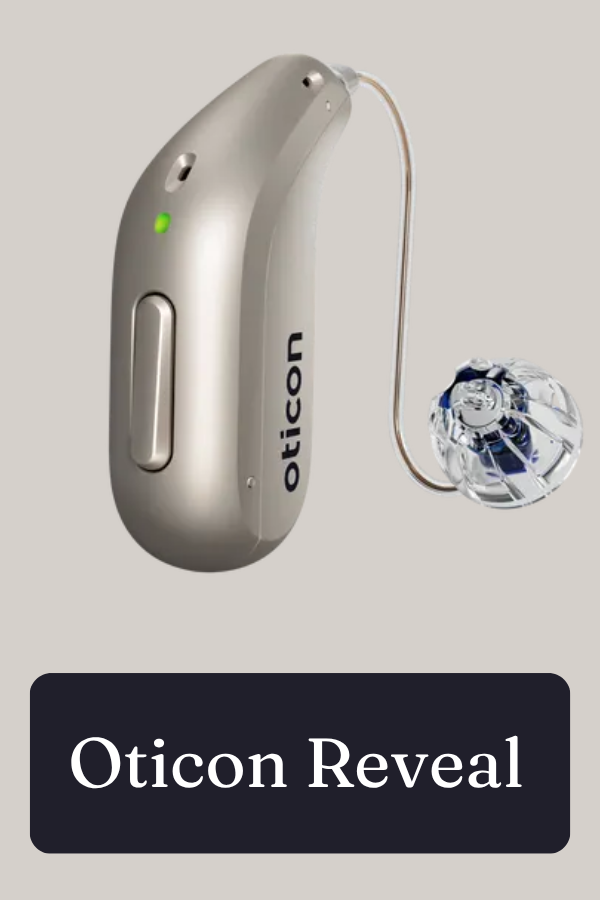
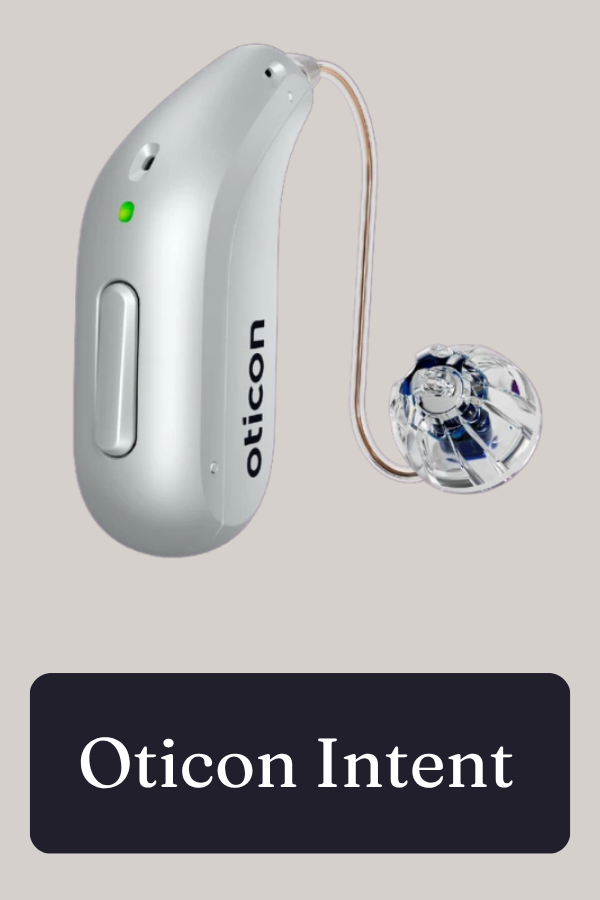
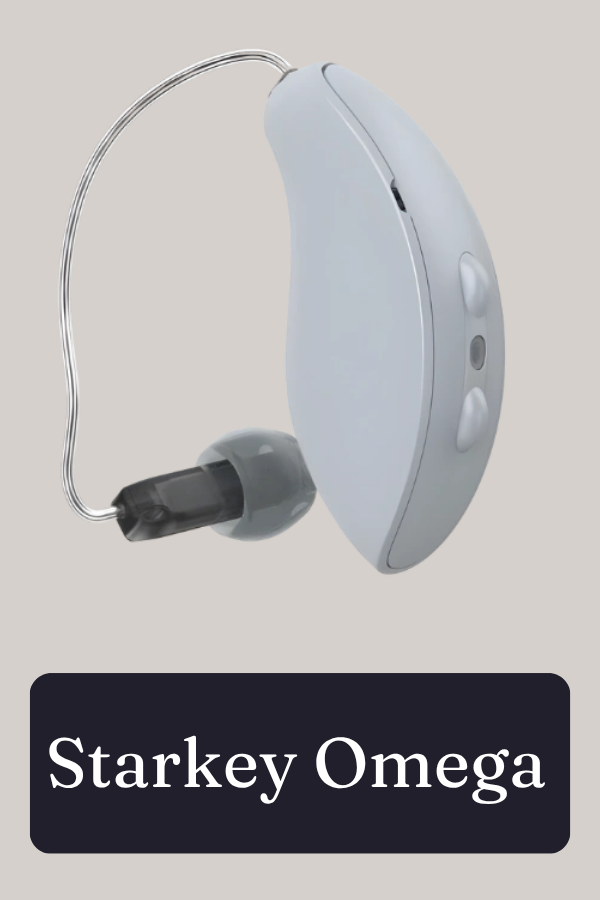
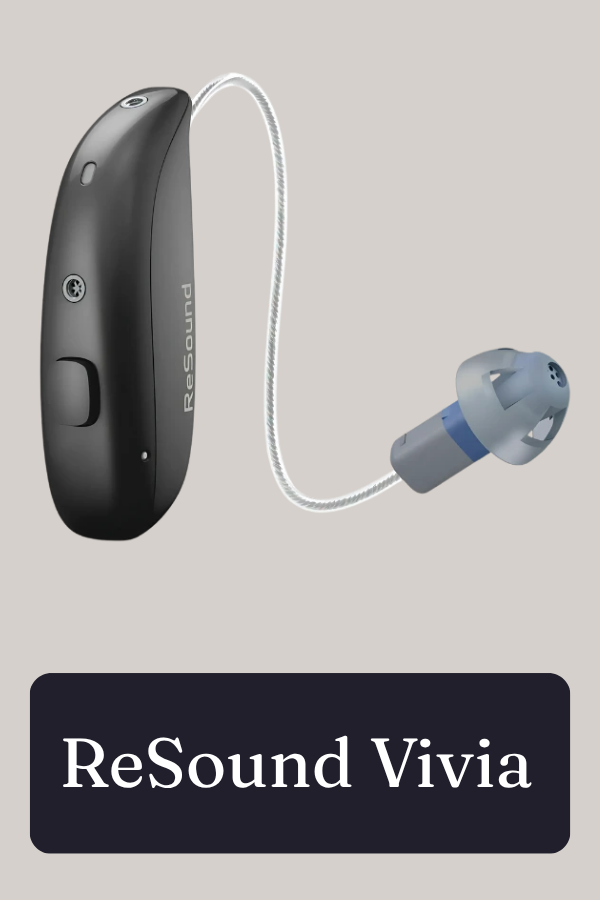
.png)
Hear More of the Places You Love with Auracast Technology
.png)
A new way to stay connected to the world around you
Imagine sitting in a theater and hearing the movie clearly through your hearing aids. Or being at an airport and receiving an important gate announcement directly in your ears. What if you could walk into a church, museum, gym, or waiting room and connect directly to the audio you want to hear?
Auracast technology is helping make that possible.
Auracast is a new Bluetooth® technology that allows compatible audio systems to broadcast sound directly to compatible hearing aids, earbuds, and headphones. Instead of relying on a traditional assistive listening device, you can use your own compatible hearing technology to connect to the audio around you.
What Is Auracast?
Auracast is a new Bluetooth® technology that allows one audio source— such as a television, microphone, public address system, or other audio system—to broadcast audio to multiple compatible devices at the same time.
For people with hearing loss, this can provide a more direct and personalized listening experience in public spaces.
Think of it like tuning in to a local radio station—but the broadcast comes directly from the venue and into your compatible hearing aids.
Why Does Auracast Matter?
Hearing clearly isn't just about what happens inside your home or during an appointment. Public spaces can be some of the most challenging places to hear.
Background noise, distance from a speaker, poor acoustics, and competing sounds can make it difficult to follow what's being said—even when you're wearing hearing aids.
Auracast has the potential to change that.
With an Auracast-enabled hearing aid, you may be able to connect directly to broadcasts in places such as:
Airports
Theaters & cinemas
Places of worship
Stadiums & event venues
Museums & attractions
Gyms & fitness center
Waiting rooms & public spaces

How Does Auracast Work?
Using Auracast can be as simple as selecting an available broadcast on your compatible device.
1. Find an Auracast-enabled location
Look for an Auracast symbol or ask the venue if Auracast broadcast audio is available.
2. Select the broadcast
Depending on your hearing aids and smartphone, you may be able to find and select available broadcasts through your phone or hearing aid app.
3. Listen directly through your hearing aids
Once connected, the broadcast audio can be streamed directly to your compatible hearing aids.
Some hearing aid manufacturers have developed apps and features that make finding and connecting to broadcasts easier. The exact experience depends on your hearing aids, smartphone, and the venue's Auracast system.
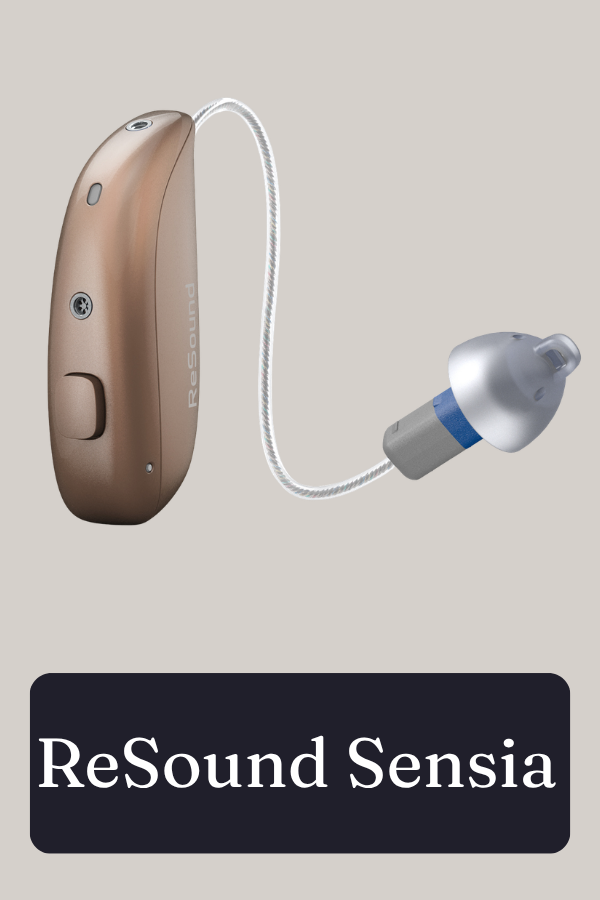
Which Hearing Aids Support Auracast Technology?